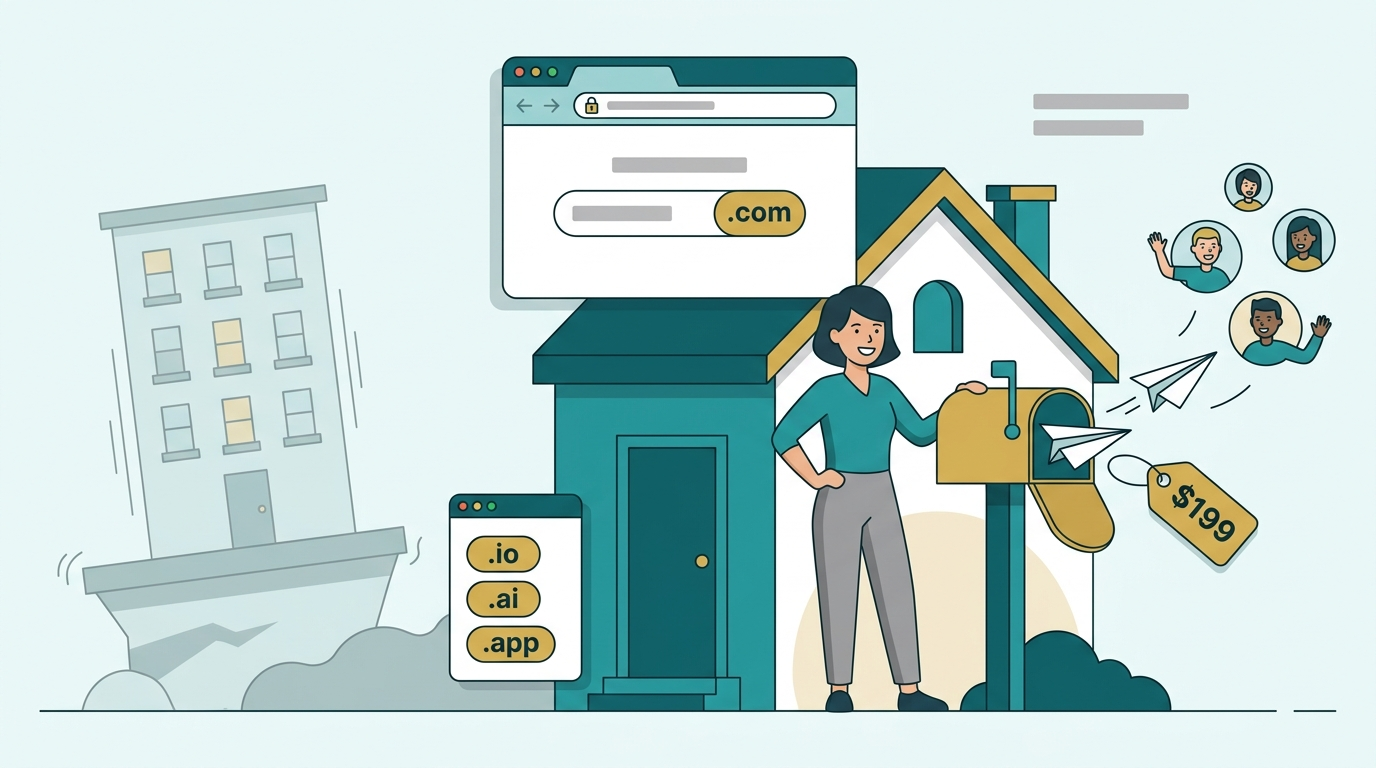
Your newsletter has a home address. The question is whose name is on the deed.
If your publication lives at a platform subdomain, every link you share, every guest post you write and every sponsor who looks you up is pointing at someone else's property. The platform may be excellent and may never give you a reason to leave. But the day you want to move, add a podcast, launch a paid tier somewhere else or sell the publication, you will discover how much of your identity was a tenancy.
I have bought, sold and written about domains for years, and creators are the group that most often underestimates this. The cost is small and the decision is one of the few brand choices you can make once and keep forever. This guide covers how to make it well.
Why does a newsletter need its own domain?
Four reasons, in rough order of how much they matter once you are a few hundred issues in.
Portability. Your subscriber list can usually be exported, but your address cannot. If readers, other writers and search engines all know you at a platform URL, moving means starting that recognition again. With your own domain, you point it somewhere new and the address you have built keeps working.
Brand recall. A short, clean domain is something a reader can repeat from memory, mention on a podcast or write on a conference badge. A platform subdomain with a long handle is not.
Sponsor and partner perception. Sponsors weigh a lot of signals, and a publication with its own domain looks like a business rather than a side project. It will not close a deal alone, but it removes a reason to hesitate.
Control over email identity. A custom domain is the thing you authenticate your email against. That control is the practical foundation for good inbox placement, which we will get to in a moment.
None of this requires you to leave your platform. It only requires that the address people know is one you own.
What does a custom domain change on Substack, beehiiv and Ghost?
The mechanics are similar across platforms: you buy a domain from a registrar, then add DNS records that point it at the platform. The details differ, so use the platform's own guide.
| Platform | What the docs say | Practical note |
|---|---|---|
| Substack | You must own the domain, and Substack charges a one-time fee to connect it; the fee does not cover registration | Substack recommends a subdomain such as www as the main address, with the bare domain redirecting to it |
| beehiiv | Custom domains are available on paid plans, with guided or manual DNS setup | Verification can take up to 72 hours, and you should not remove or re-add records while it runs |
| Ghost and self-hosted tools | You normally point DNS at your host or install | Check the host's guide for the exact records |
Read the current help pages before you start, because fees, plan requirements and records change. Substack's custom domain setup guide and beehiiv's custom domain guide are the two to bookmark. Both are short and both are written for non-technical publishers.
One piece of advice that applies everywhere: do the DNS step once, double-check it, then leave it alone while the platform verifies. Most "my domain isn't working" problems come from changing records during the waiting period.
How do you name a newsletter?
A newsletter name has two jobs. It has to sound like something people want in their inbox, and it has to be a domain you can actually register. These patterns cover most successful publications.
The topic plus a format word
A subject followed by a word such as brief, letter, weekly, digest or notes. It says what you cover and what to expect, and it is easy to explain. The risk is that these formulas are common, so the exact .com is often taken. A tight, specific topic helps more than a clever twist on a crowded one.
Invented one-word names
A short coined word that sounds like a brand and says nothing about the topic. The advantage is flexibility: the name still works when your coverage shifts, and a clean one-word .com is a strong asset. The cost is that you have to teach readers what it means. The brandable domain ideas for 2026 and the two-word domain guide go through how to build names like this.
Wordplay and personality
A pun, a rhyme or a phrase with attitude. It can be the most memorable option, and it is the hardest to get right. Run it through the phone test: if it needs explaining or a spelling hint, it is probably costing you subscribers.
Your own name
If readers subscribe for you rather than for a topic, your name is a legitimate publication name. It is fast and credible. Its limit is that a name-based publication is hard to hand to a co-writer or sell. If you might ever want that, build a separate brand and keep your name as a second domain that forwards to it.
Which extension should a creator use?
Start with .com. It is what readers type by default, and a guess at your address should land on you.
| Extension | When it works | Watch out for |
|---|---|---|
| .com | Almost always; the safe default | Short, brandable names are scarce and priced accordingly |
| .co | A reasonable fallback | One letter from .com, so some visitors land elsewhere |
| .io, .ai | Tech, AI and developer-focused publications | Reads as a software company, which may not fit a general audience |
| .news, .email and similar | Optional descriptive extras | Unfamiliar to many readers; use as a redirect, not the foundation |
For a closer look at how audiences read extensions, see the TLD trust rankings for 2026. My rule for creators is simple: the .com is the foundation, and anything else is an extra you buy because you can.
Does a custom domain improve newsletter deliverability?
Here is the honest version, because this claim is often oversold.
A custom domain does not improve deliverability by itself. What it does is let you authenticate your email under your own name, so mailbox providers see a consistent sender with proper SPF, DKIM and DMARC records instead of a shared platform identity. That consistency is a real advantage, and publishers who send from their own domain often see more stable inbox placement over time. Buttondown's own guidance on sending through a personal domain makes a similar case: route through your domain, set it up properly, and monitor it.
What it does not do is fix the things that actually drive spam placement: high complaint rates, low engagement, a purchased or stale list, and sending a lot of volume from a brand-new domain with no history.
Three practical points:
- Authenticate before you send. The dmarc.org overview explains what DMARC is and why receivers check it, and your platform's setup page lists the exact records to add.
- Consider a sending subdomain. Many publishers send from a subdomain of their main domain, which keeps newsletter reputation separate from day-to-day email.
- Warm up gently. A new domain should start with your most engaged readers and grow volume gradually.
I go deeper on the buying side of this in why cheap and new domains get flagged, including what to check before you purchase a domain with a history.
What should you check before you buy the domain?
Spend ten minutes here and you avoid the most common regrets.
- Say it aloud. Ask someone to type it. Count the mistakes.
- Check the handles. The matching names on the social platforms you use matter more than they should.
- Search trademarks in your topic area. The trademark clearance guide shows how.
- Look up renewal prices, not just the first-year price. Specialty extensions often cost more to renew.
- Check for history. A domain that has been used before can carry baggage that affects email.
- Own the obvious variants you can afford, and forward them to the main address.
If you want a faster way to produce candidates, the one-hour naming sprint is built for exactly this.
Creator-ready names from the current catalog
Every listing on 199.domains is $199 or less at a price shown up front, AI quality-vetted and owner-verified by DNS before it goes live. Here are brandable names pulled live from the marketplace, the kind of short, ownable name a publication can grow into:
If you would rather have a name that says what you cover, here are descriptive keyword listings from the catalog right now:
Whichever style you lean toward, run it through the phone test before you commit. You can filter the whole catalog by brandable names or descriptive keyword names.
A launch checklist for newsletter publishers
- Decide the fork: topic name, invented brand, wordplay or your own name.
- Check the .com and the matching social handles.
- Run the phone test with two people.
- Search trademarks in your field.
- Check renewal pricing and any history on the domain.
- Connect it to your platform with the DNS records the platform provides, then leave them alone during verification.
- Authenticate your email and consider a sending subdomain.
- Use one address everywhere: your bio, your guest posts, your sponsor deck and your signature.
The bottom line
A newsletter domain is a small purchase that decides who owns your front door. It makes you portable, gives you control over your email identity and makes the publication easier to remember and to sponsor. Choose something short and easy to spell, use a .com when you can, connect it with the records your platform gives you, and authenticate your sending from day one.
When you are ready, browse brandable names or keyword names. Every one is $199 or less, already vetted and ready to transfer.