Ask a plumber, a bakery owner or a dentist how they picked their website address, and the honest answer is usually the same: it was what the registrar had available that afternoon.
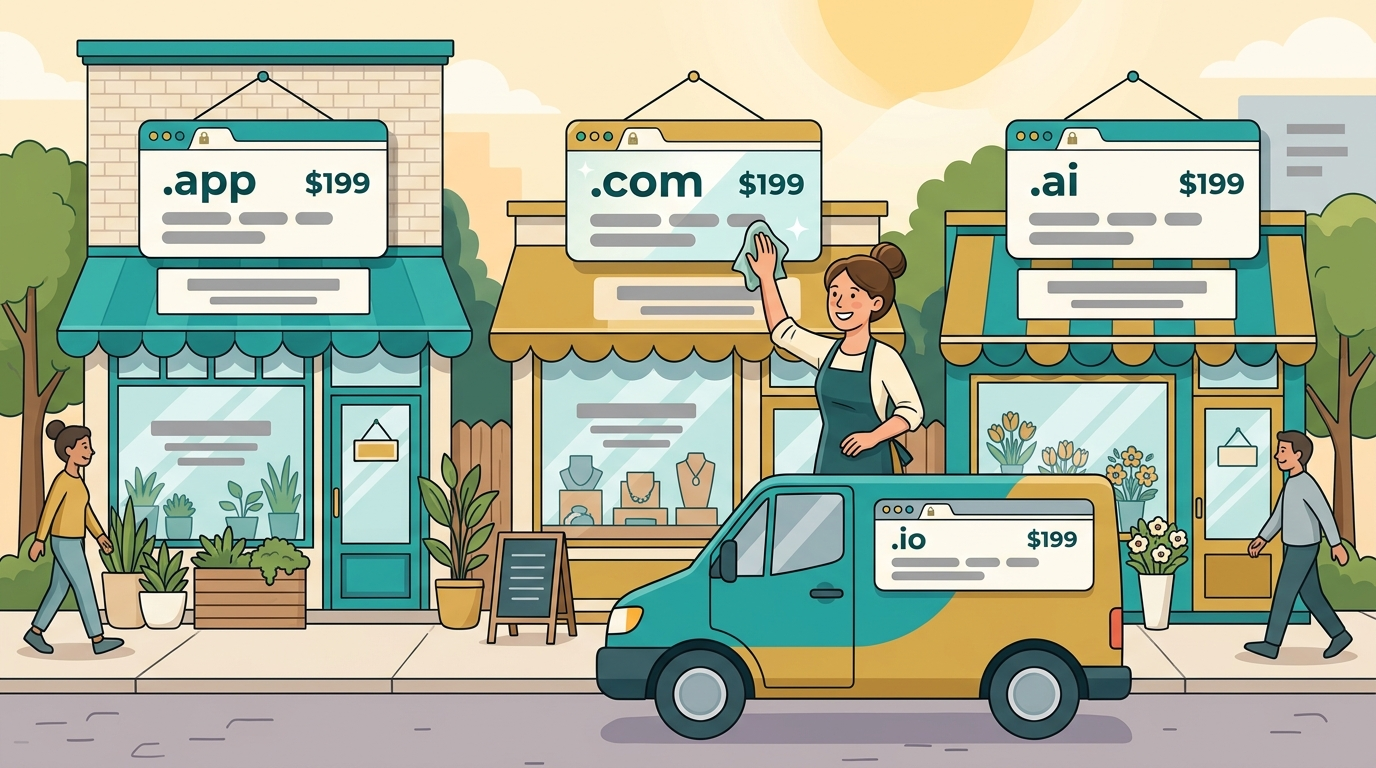
That is understandable. You have a business to run. But for a local company the domain works harder than it looks. It is on your van, your invoices, your business cards and every email you send a new customer. If it is awkward to say or easy to mistype, you pay for that every week, quietly, in calls that never came.
This guide is for owners of small and local businesses who want a name that works without turning it into a project.
What makes a good domain name for a small business?
After many years buying, selling and writing about domain names, I judge a small business name on three things, in this order.
- Can a customer find you after hearing it once? Most local business is word of mouth: a neighbour's recommendation, a radio spot, a mention in a group chat. Your domain is spoken far more than it is clicked.
- Does it match what customers already see? The name on your sign, your Google listing and your website should agree. Mismatches make customers hesitate.
- Can it grow with you? The day you add a service, a second location or an employee with their own clients, the name should still fit.
Everything else, including keywords and extensions, is secondary to those three.
The small-business naming trap: keyword-stuffed names
Search "domain name for small business" and you will find advice to put your service and your city in the address. So you get names shaped like cityplumbingservices, or the hyphenated version. They feel logical: the customer searches for a plumber in your city, and your domain says so.
There are three problems.
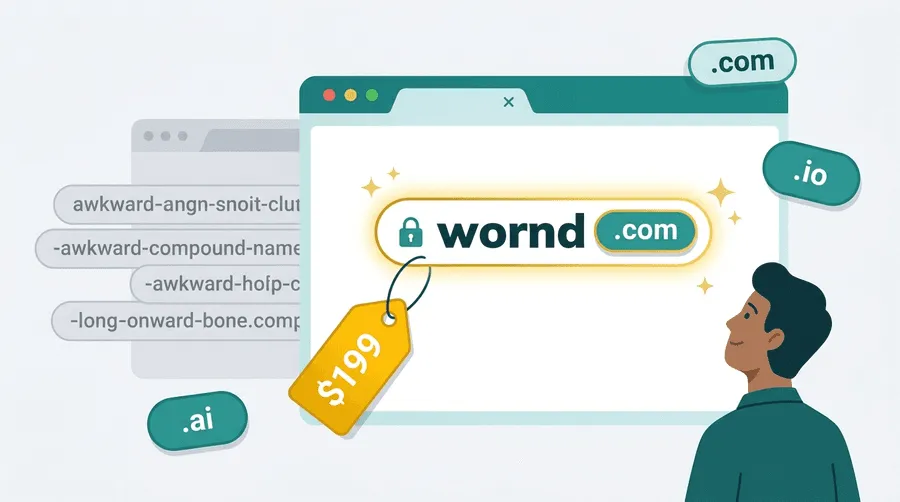
They are hard to say and easy to mistype. Read a long, hyphenated address to someone over the phone and count how many times you have to repeat it.
They look like directories. Customers scanning a results page often distrust generic-sounding names, because they resemble lead-generation sites rather than the real company.
They cap your growth. A name with a town in it is wrong the moment you serve the next town. A name with one service in it is wrong when you add another.
Google's own position is helpful here. Its advice on choosing a business name for your Business Profile says your name should reflect your real-world business name as used consistently on your storefront, website and stationery. In other words, Google wants the real brand, and the same holds for the domain that goes with it.
| Approach | Example shape | Easy to say aloud | Room to grow | Looks like a real company |
|---|---|---|---|---|
| Brand name | A short invented or two-word name | High | Highest | High |
| Brand plus service | Brand name with a trade word | High | Good | High |
| City plus service | Town, then service | Medium | Low | Medium to low |
| Hyphenated keywords | Words joined by hyphens | Low | Low | Low |
When do geographic words in a domain actually help?
I am not going to tell you geography never helps. It can, in a narrow set of cases:
- The place is the brand. A neighbourhood institution that is known by its area name, with no plans to leave.
- Customers search that way. If your market is a small town and everyone says the town name when asking around, having it in the name can make recall easier.
- You are a true single-location business with no intention of a second.
Even then, remember that the domain is only one place your location can live. Your pages, your headings, your Business Profile, your reviews and your directory listings carry location far more reliably than a word in the address. For structured details Google reads, its local business structured data guide shows exactly how to mark up your name, address and hours.
My rule: put the place in your content and your listings, and keep the domain about the brand.
The say-it-over-the-phone test
Before you buy anything, run this test. It takes two minutes and it has saved more businesses from bad names than any keyword tool.
- Say the domain out loud to someone who has never seen it.
- Ask them to type it into their phone.
- Check what they typed.
If they misspell it, you have found a problem that will repeat with every customer. The usual culprits:
- Homophones and creative spellings. "Kwik" or "Xpress" sound clever and cost you visitors.
- Hyphens. People forget them, or say "dash" and get confused.
- Numbers. "4" or "for"? "2" or "to"?
- Long compound words that hide an accidental extra word where two words join.
Then run the second half: picture it on the side of a van, small, from across a parking lot. If it fits and can be read, it passes.
Which extension should a local business use?
For a local business the answer is simpler than for a startup. Customers are not judging your technical taste; they are typing what feels natural.
| Extension | Best for | Watch out for |
|---|---|---|
| .com | Almost every small business | Short, brand-matching names cost more or are already registered |
| .co | A fallback when the .com is out of reach | One letter from .com, so some visitors will land elsewhere |
| .net | A defensive or fallback option | Feels dated to some customers, and people default to .com |
| Industry or location extensions | Businesses whose customers already recognise them | Unfamiliar to many buyers; check renewal prices before buying |
My advice: start with .com, and if that is not workable, choose a clean .co or add a short modifier to the name rather than settling for a long, hyphenated .com. The TLD trust rankings for 2026 cover how buyers judge each extension in more depth.
The pattern I see most often in small businesses that struggle is not a wrong extension but an inconsistent name: one spelling on the sign, another on the website, a third in the email address. Pick one spelling and use it everywhere.
Match the domain to your signage and your Google listing
Your customers meet you in at least four places: a sign or vehicle, a Google listing, your website and your inbox. Each one should tell the same story.
- Signage and vehicles. Print the full address, including the ending. Make it large enough to read at a distance.
- Google Business Profile. Use the same name, spelled the same way, that appears on your storefront. Google's guidance says exactly that.
- Your website. The name in the header, the address bar and the footer should agree.
- Invoices and contracts. Customers who Google you after receiving a bill are checking that you are real.
For a wider look at what else to verify before you commit, the domain trademark clearance guide walks through checking that no one else already owns the name in your field. And the U.S. Small Business Administration's page on choosing your business name is a useful primary source on registering the name and, importantly, notes that a domain does not have to be identical to your legal name.
Business email on your own domain is the instant credibility upgrade
If you do only one thing after buying a domain, do this: set up email on it.
A customer who receives a quote from a free webmail address has to take your word that you are a legitimate business. The same quote from a person at your own domain looks established. It costs very little and it changes how the rest of your outreach is received.
Two practical points:
- Set up the basics before you send. Authentication records such as SPF, DKIM and DMARC decide whether your emails reach the inbox. Why new domains get flagged by email providers explains how to configure them.
- Use role addresses sensibly. A general address for enquiries plus named addresses for staff looks professional and is easy to hand over when someone leaves.
An agency or freelancer faces similar questions on a smaller scale; domain names for agencies and freelancers covers the personal-brand version of this decision.
Small-business-ready names from the current catalog
Every listing on 199.domains is $199 or less at a price shown up front, AI quality-vetted and owner-verified by DNS before it goes live. Here are some short, descriptive names pulled live from the marketplace:
If you would rather have an ownable brand name that can grow past one service or one town, here are brandable listings from the catalog right now:
Run any name you like through the phone test above, then check that the matching business name is free to use where you operate. You can filter the full catalog by descriptive keyword names or by brandable names.
What if you already have a domain you don't love?
Many owners reading this already have a clunky address. Do not panic, and do not rush.
Changing a domain is possible, but it is a project. Google's guidance on moving a site with URL changes explains that you should expect temporary ranking fluctuation while the change is processed. The steps are:
- Set up the new domain and copy the site.
- Redirect every old page to its new address with a permanent 301.
- Update your Google Business Profile, email signatures, invoices and printed material.
- Keep the old domain registered for years so old links and emails continue to work.
If your current name is merely awkward but works, keep it and buy the better name as a redirect. If it costs you calls every week because people cannot spell it, the move is worth doing, and doing early. The seven warning signs that it is time to rebrand will help you decide.
A 10-minute checklist before you buy
- Run the phone test with two people.
- Check the .com for your exact brand name, even if you plan to use another ending.
- Search trademarks in your field and region.
- Check the name against your Business Profile and any local registrations.
- Look up renewal prices, not only the first-year price.
- Check social handles so you can match across platforms.
- Picture it on a sign and a van door. If it looks like a real business, it is one step closer.
- Plan your email addresses before you pay.
If price is part of your decision, how much a premium domain costs explains the difference between a one-time purchase price and yearly renewals.
The bottom line
The best domain name for a small business is short, easy to say, matches the sign on your door, and does not depend on a town or a service you may outgrow. Keep geography in your content and your listings, use a .com when you can, put your email on the domain, and use the same spelling everywhere.
When you are ready, browse keyword names or brandable names. Every one is $199 or less, already vetted, and ready to transfer.